just volleyball Controls
On the default keyboard layout, move with WASD and jump with Space. Left-click receives on the ground and spikes in the air. Right-click dives on the ground and blocks in the air. E sets the ball.
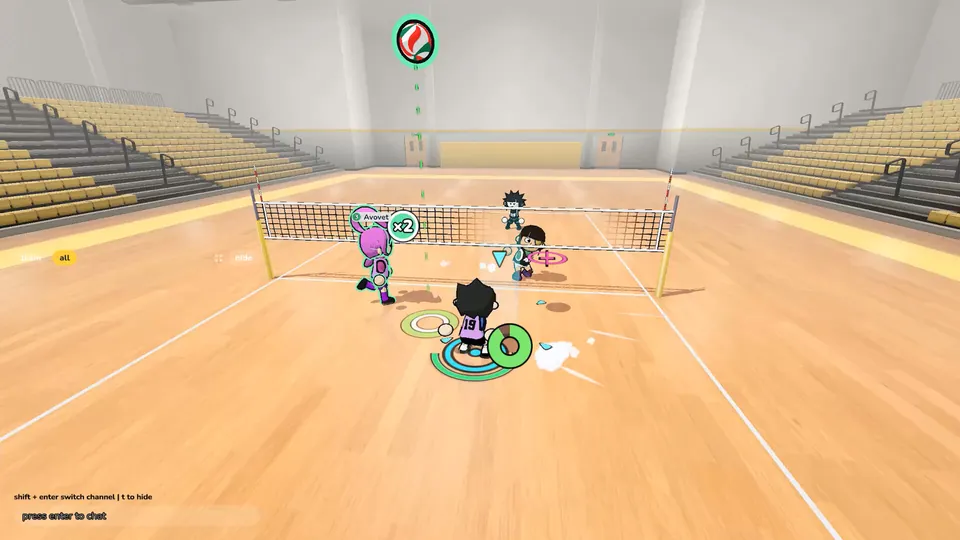
Default keyboard and mouse controls
| Action | Default input |
|---|---|
| Move and aim | WASD to move, mouse cursor to aim |
| Sprint | Ctrl or double-tap W |
| Strafe while facing the cursor | Shift |
| Jump | Hold and release Space |
| Toss and serve | Left-click to toss, left-click again to hit |
| Receive / spike | Grounded left-click / airborne left-click |
| Dive / block | Grounded right-click / airborne right-click |
| Set | E |
| Cycle camera | C |
| Zoom | V or mouse wheel |
The current profile bindings take precedence over this table. If a double tap triggers an unwanted sprint, check the double-tap sprint option in Profile Settings. Change one binding or sensitivity setting at a time, then test a known action in a bot match.
Controller and Steam Input
Steam lists partial controller support, including DualShock support and Steam Input. Treat the PC listing and controller listing separately. You can use a compatible gamepad on PC without a console version of the game. Keep the mouse and keyboard available for menus or text entry while you test your setup.
If an action feels unresponsive, first test it offline and check whether you were airborne or grounded. Next verify the in-game binding and the controller Steam sees. For a view that feels hard to aim with, start with the camera and FOV settings.