just volleyball Character Codes
Open Locker → Presets → Import, paste the entire character code including its JV2: prefix, and confirm. Check that the new look appears among your presets. A character code transfers a look and does not grant currency or unlocks.
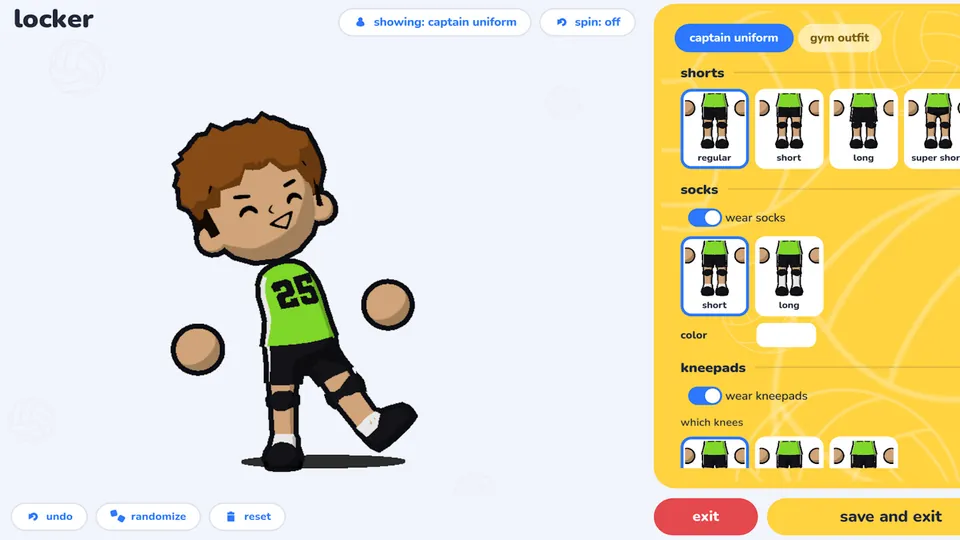
Import a preset in the Locker
- Copy the complete string from the person sharing it. Keep the prefix, hyphens and underscores intact.
- Open Locker, then Presets → Import. Paste the string into the import field and confirm.
- Inspect the resulting look and save it in an available slot if you want to keep it. Choose Wear on the saved preset when you want to use it later.
To make your own preset, choose the character’s appearance and save it in the Locker before sharing. A screenshot of a character is a preview of the look. To import it you need the actual preset string or the QR route provided on the creator’s share card.
Copy your code or fix an import error
Select your saved preset, then choose Share → Copy Code. Send the copied string as plain text or share the character card from Save Picture. Use Photo Studio when you want a posed shot instead of the share card.
| What you see | What to check |
|---|---|
| The import field rejects pasted text | Recopy the full code and remove any surrounding spaces or formatting. Keep the text after the prefix intact. |
The code begins with JV1: |
Ask the creator for a fresh export from the current game. Editing the prefix does not convert it. |
| The preset imports but looks different | Ask for the source creator’s current code and check that you selected the new preset. |