How to Set in just volleyball
Get under the pass with the cursor aimed where your hitter can reach the next ball, then press E. Tap for a higher set or hold E briefly for a faster, flatter ball. A high set gives a late hitter more time to adjust.
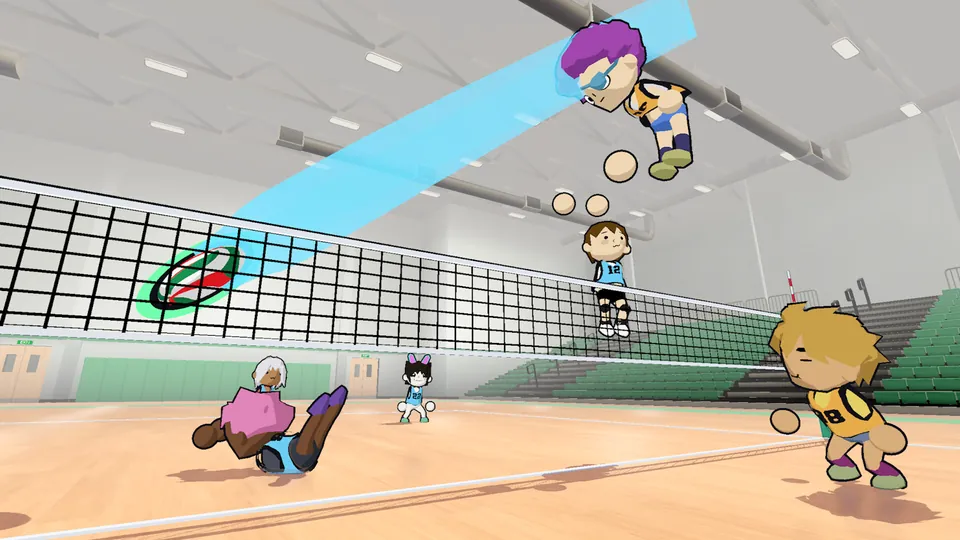
Set to the hitter’s next position
Watch who took the first touch and who can actually reach the attack. Move to meet the pass, place the cursor ahead of the hitter’s approach and choose the tempo before pressing E. Give the hitter room from the net if they still need time to line up a jump.
| What the hitter can reach | Set choice |
|---|---|
| Has to move across court or is still on the floor | Try a high set to an area with room for the approach. |
| Already moving at the net and expects a fast ball | Briefly hold E for a flatter delivery. |
| Coming from the backcourt | Give them space for a run-up. In coordinated games you may hear this back-row option called a pipe. |
If the pass is off target, a higher recovery set can buy more time than trying to force a quick ball. Agree on one target and tempo before practising named calls. A set worked when your teammate could get into the air to hit it, even if the rally did not end there. The spike timing guide explains what the hitter is trying to line up.
When to dump the second ball
A dump sends your second touch over instead of feeding the hitter. On default keyboard bindings, jump and hold W (forward tilt) while airborne as you play the set. Holding W before takeoff is insufficient on 1.0.4. In 1.0.4.2 the forward-tilt duration defaults to 0.15 seconds, and the hotfix restores pre-charge dumping. The same hotfix puts automatic set release in Profile Settings, on by default. If you keep sending the ball over accidentally, check the tilt duration before changing the rest of your timing.
Try a dump when the defenders have moved to cover your hitter and you can reach the second touch cleanly. Keep the ball with your team when a blocker already covers the lane or your hitter has a better opening.