just volleyball Multiplayer
Use Quick Match to queue for public games, the Server Browser to pick a room, or a custom lobby to play with friends and bots. Steam lists online, LAN and split-screen play, plus Remote Play Together. The game supports formats from 1v1 through 6v6.
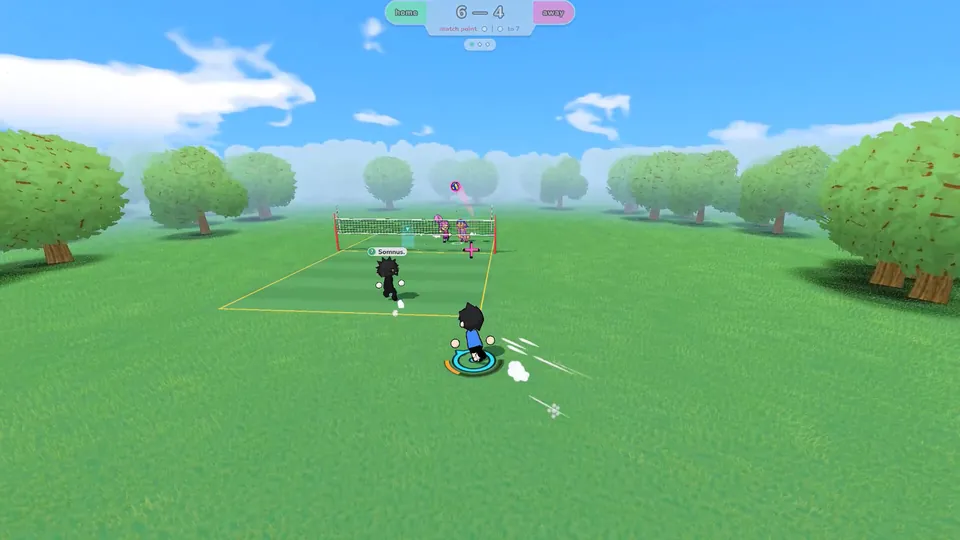
Quick Match, Server Browser or private lobby
| If you want to… | Start here |
|---|---|
| Let the game find opponents | Open Quick Match, select the formats you are willing to play, and choose a queue priority where offered. |
| See a room before joining | Open the Server Browser and pick an available room whose format and rules you want. |
| Practise with friends | Create a custom room, choose a team size and use CPU fill if you need extra players. Keep it private when you only want your group. |
| Bring players into an open room | List a public custom lobby and use the available tags to show the kind of game you are hosting. |
Starting with 1.0.4, Quick Match uses three level tiers and a mixed-level party spans its lowest to highest member. The filters prioritise queue time, balancing or ping. They cannot guarantee a particular latency or match time. The developer also notes that selecting more formats does not always shorten the queue. For updates about a separate competitive queue, see official ranked status.
Local multiplayer and co-op
Steam lists PvP and co-op for LAN and split screen, and also lists Remote Play Together. Pick a locally hosted match for your group or play offline with bots to practise. Remote Play Together is a Steam feature for joining the host’s local game. It is separate from the game’s online matchmaking.
Use lobby host controls to remove a disruptive player in a room you own. The developer has acknowledged in-game player reports, but the available documentation does not specify a universal menu path for muting, kicking or reporting in every mode. If you need a lower-ping game, start with the connection checklist.